If you think a rifle scope can magically stay dead-on at every distance, it can’t. Adjusting a rifle scope for different distances is essential to ensure accuracy. You need to zero it first, then use your turret’s MOA or MRAD clicks to match verified bullet drop for each range.
You’ll also need to check parallax, confirm your mount tension, and decide when to dial or hold. The difference between a clean hit and a miss often comes down to one overlooked adjustment…
Key Takeaways
- Zero the scope at a known distance with a stable rest, then record the exact turret settings.
- Use MOA or MRAD clicks to dial elevation for bullet drop at each new distance.
- Confirm range, then adjust for wind, since crosswind can shift impact and hide elevation error.
- Check parallax and focus at the shooting distance to keep the reticle and target aligned.
- Fire a confirmation group after every adjustment and recheck zero after transport or hard bumps.
Zero Your Rifle Scope First
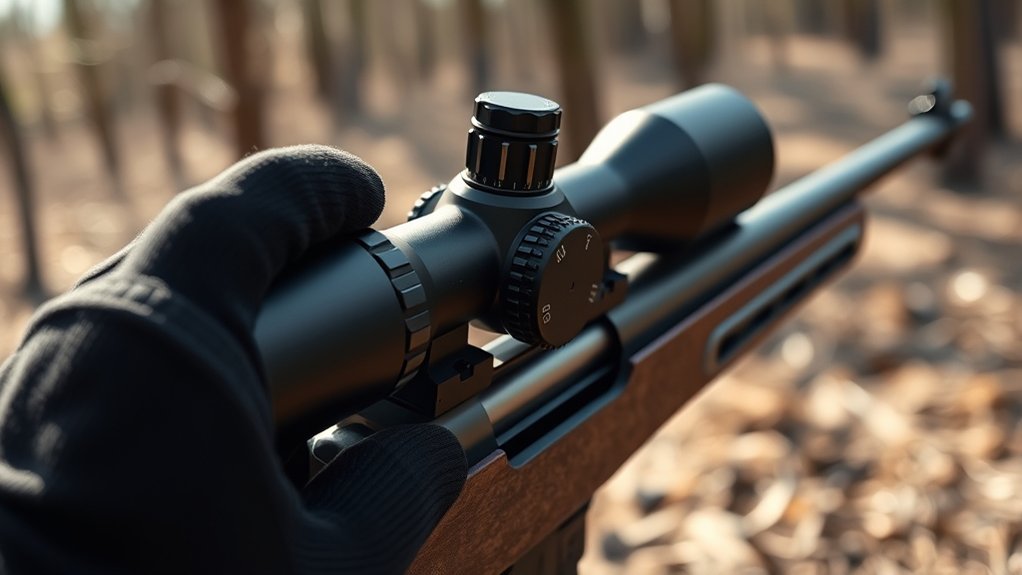
Before you adjust a rifle scope for different distances, you need to zero it at a known distance so the point of impact matches the point of aim. You establish a baseline for all later elevation changes by confirming consistency with a stable rest, quality ammunition, and a controlled target.
Follow zeroing basics: fire deliberate groups, observe impact, and correct until your rounds center on the chosen distance. Record the final setting, then verify it again after transport or field maintenance, since handling can shift alignment.
If the rifle won’t hold zero, inspect mounts, torque, and optic integrity before making distance adjustments. A true zero gives you reliable reference data, so every subsequent correction remains predictable and measurable in the field.
Learn MOA and MRAD Clicks
With your rifle zeroed, the next step is understanding how your scope’s adjustment system translates clicks into point-of-impact changes. You’ll usually see MOA or MRAD turrets; both let you move the reticle in measured increments, but they don’t scale the same.
Once zeroed, learn how your scope’s clicks translate to point-of-impact shifts through MOA or MRAD adjustments.
In a side by side comparison, MOA divides angles into finer-feeling fractions, while MRAD uses metric-based decimal adjustments that many shooters find faster to compute. Check your scope’s manual for click value, then confirm turret markings match the actual shift on target.
Ballistic calculators often present both systems, helping you input data accurately without conversion errors.
- A turret marked in crisp increments
- A target grid with measured shifts
- A notebook with click values recorded
- A reticle centered on a bullseye
Calculate Bullet Drop
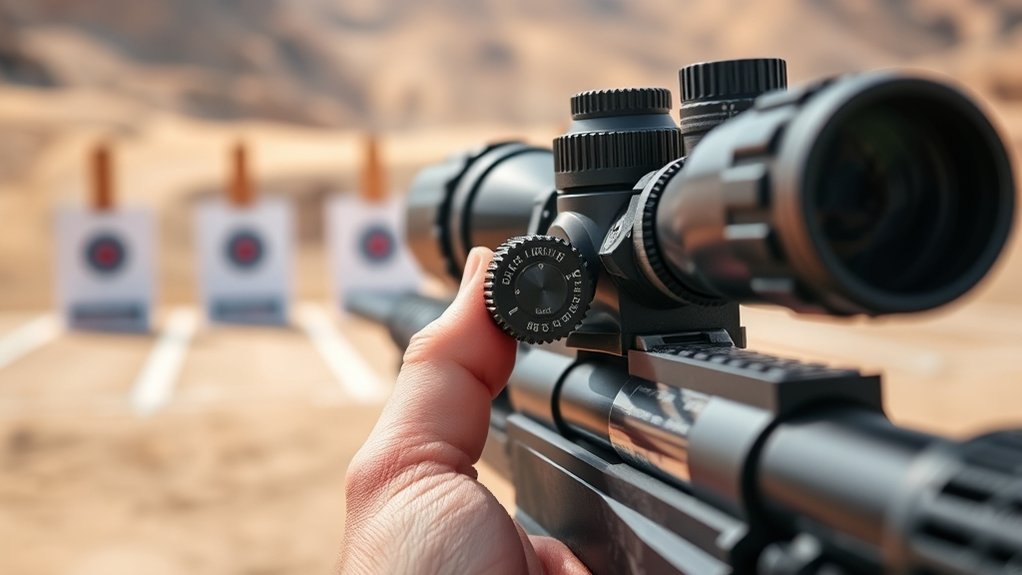
How much will your bullet drop at the distance you’re dialing for? You calculate it by combining muzzle velocity, ballistic coefficient, zero distance, and atmospheric conditions. Use a ballistic calculator or your load data to estimate vertical drop in inches or MOA at the exact range.
Rangefinding theory helps you verify the target distance, because a small error in range creates a larger error in drop. Then convert that drop into scope adjustment units, matching your turret scale. Keep your math consistent with the reticle and your zero.
Wind estimation matters too, since crosswind doesn’t change drop directly, but it can shift your impact enough to mask a bad elevation call. Record the solution, confirm it on steel, and refine your dope with observed impacts.
Adjust for Close-Range Shots
At close range, you often need to hold low rather than dial up, because your rifle’s line of sight sits above the bore and the bullet hasn’t yet risen to intersect it at your zero. You should verify your offset by knowing your exact zero and your scope fundamentals.
At close range, hold low; your line of sight sits above the bore until zero is reached.
At close range, small aiming errors matter, so keep your reticle centered on the intended impact point and apply a consistent hold.
- Target: a clean bull at 25 yards
- Reticle: steady on the upper edge
- Impact: slightly below point of aim
- Result: repeatable, predictable placement
Use firm cheek weld, controlled trigger press, and a stable position to limit deviation. Confirm the relationship between aim and impact before you move farther out.
Dial In Mid-Range Distance
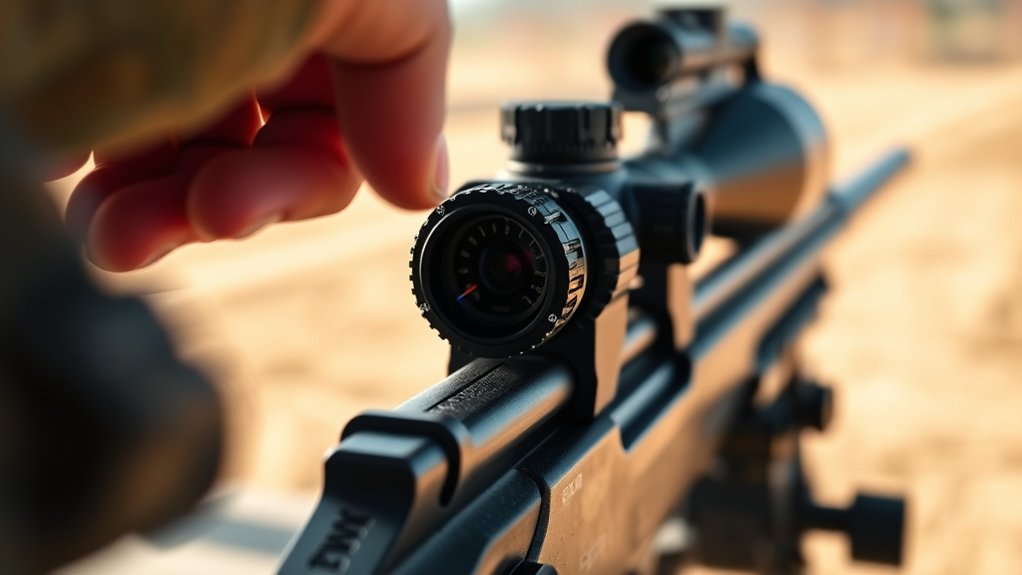
At mid-range, you need to confirm your zero on target using the exact distance you expect to shoot. Then you can fine-tune the elevation turret in small, measured adjustments until point of impact matches point of aim.
This step locks in a reliable ballistic setting before you move to longer distances.
Confirm Mid-Range Zero
Now confirm your mid-range zero by dialing the turret to the exact distance you intend to verify, then fire a controlled group and compare point of impact to point of aim. You should use a stable position, solid rear support, and the same ammunition you used when mounting optics and adjusting windage.
- Picture a tight triangle of holes centered on the bull.
- See the reticle resting motionless as the trigger breaks.
- Imagine a crisp alignment between crosshair and impact marks.
- Visualize a clean, measured correction if the group sits off center.
If the group prints where you expect, record the distance, ammunition, and environmental conditions. That data confirms your mid-range zero and gives you a reliable reference before you move farther out.
Fine-Tune Elevation Turret
Fine-tune the elevation turret by dialing only the correction needed to move the group from point of impact to point of aim at your chosen mid-range distance. You’re performing precision tuning, so make one adjustment, fire a confirmation group, and record the shift.
Keep windage calibration separate unless horizontal error appears. Use the turret scale and your ballistic data to translate impact deviation into clicks.
| Error | Turret Action | Check |
|---|---|---|
| High | Dial down | Fire group |
| Low | Dial up | Fire group |
| Left | Adjust windage | Confirm drift |
| Right | Adjust windage | Confirm drift |
Stop when the mean impact centers on the aiming point. Then verify consistency with two more groups to ensure the scope tracks predictably at that distance.
Compensate for Long-Range Drop
When you extend your shooting distance, bullet drop becomes more pronounced, so you need to raise your point of aim or dial elevation into the scope to match the trajectory. Ignore misleading jargon and marketing claims; trust your ballistic data instead.
At long range, small angular changes matter, so track your dope carefully and apply it in precise increments. Visualize the arc, not a straight line.
- See the target shrinking against a distant berm.
- Picture the reticle climbing above the center.
- Imagine the turret clicks stacking cleanly.
- Envision the impact landing where gravity pulled the round.
Use your scope’s elevation adjustments to compensate for predicted drop, and hold or dial the required correction. This keeps your shot solution aligned with the round’s flight path and preserves accuracy across distance.
Check Your Zero After Adjustments
After you change elevation or windage, verify your zero before you trust the scope in the field. Fire a tight group at your established zero distance and measure the center, not individual impacts. If the point of impact shifted, confirm the turret returned to the intended setting and note any zero drift.
Repeat the test after a short cooling period so barrel heat doesn’t mask the result. Inspect mounting integrity as well: check ring torque, base screws, and scope alignment for movement after adjustment. Even slight hardware creep can move impact and create false corrections.
Record the final settings, group size, and environmental conditions so you can compare future checks objectively. A confirmed zero keeps your adjustments predictable and your ballistic data reliable.
Use Holdovers Instead of Dialing
Once your zero is confirmed, you don’t need to dial elevation for every shot at varying ranges. You can use holdovers to place the reticle on the corrected impact point while keeping your turret settings fixed.
Calculate drop with ballistic applications, then map the corresponding reticle subtension to distance and wind. This method saves time and preserves your baseline settings.
Use scope accessories like a magnified reticle or matched turret caps if you need clearer reference marks.
- A 200-yard steel plate above the crosshairs
- A 400-yard target held on the first hash
- A wind drift offset on the edge of the reticle
- A field notebook with range data and dope
Avoid Common Scope Mistakes
You should control parallax before every shot, because even a slight head-position shift can move the reticle off target at longer ranges.
You also need to verify your zero regularly, since recoil, transport, and turret changes can gradually shift point of impact. If you skip either check, your distance adjustments won’t stay reliable.
Parallax Errors
Parallax error occurs when the reticle and target image don’t share the same focal plane, causing the reticle to appear to shift against the target as your eye moves behind the scope. You can reduce parallax misalignment by matching the scope’s parallax setting to the target distance and then refining ocular focus until the reticle looks sharp.
- Picture a crosshair drifting over a bullseye as your cheek weld changes.
- Imagine a distant steel plate with a crisp center and a floating reticle.
- Visualize slight head movement making the aiming point slide sideways.
- See the reticle lock into place once focus is correct.
If the image and reticle stay fixed relative to each other, your point of aim stays consistent and your hold becomes more precise.
Overlooking Zero Check
Even with parallax corrected, your scope can still miss point of impact if the zero has shifted since the last range session. You need to verify zero before every distance change, because overlooking zero turns accurate hold adjustments into error.
Fire a confirmed group at your baseline range, then compare center shift against your recorded data. If impact moved, adjust turrets and recheck until the group returns to point of aim.
Vibration, transport, and temperature changes can all alter alignment, so make zero confirmation part of field maintenance. Use the same ammunition, rest, and shooting position when validating.
If you skip this step, you’ll chase false ballistic problems and waste time compensating for a mechanical issue, not a trajectory issue.
Recheck Your Settings in the Field
Once you’re on the range or in the field, verify that your scope still tracks the way you expect before relying on any previous zero. Environmental stress, recoil, and transport can shift impact, so you need to confirm elevation and windage at the actual distance you plan to shoot.
Verify your scope’s tracking on the range or in the field before trusting any previous zero.
During field maintenance, inspect rings, turret caps, and objective alignment, then test for consistent clicks. Use dynamic windage to correct for changing crosswinds while you observe point-of-impact movement.
- Fire a controlled three-shot group.
- Dial a known adjustment and confirm the shift.
- Check parallax at each distance.
- Reconfirm zero after any hard bump or temperature swing.
If the group drifts, isolate the cause before extending range. Accurate verification keeps your scope data trustworthy.
Frequently Asked Questions
How Often Should Rifle Scope Turrets Be Lubricated?
You should lubricate rifle scope turrets only during scope maintenance, typically every 6–12 months, or after heavy use, moisture, or contamination.
For topic ideas, inspect seals first; over-lubrication can attract grit and impair tracking.
Does Weather Affect Scope Glass Clarity?
Yes, weather effects can reduce glass clarity: humidity, rain, fog, and temperature swings scatter light and condense moisture on lenses. You’ll see reduced contrast, sharper glare, and delayed target acquisition unless you use proper lens protection.
Can Different Ammo Types Change Point of Impact?
Yes, different ammo types can shift your point of impact. You’ll see it when muzzle velocity, bullet weight, and ballistic twist interact.
Keep aim consistency, test groups, and verify zero whenever you switch loads.
How Do I Clean Rifle Scope Lenses Safely?
You clean rifle scope lenses safely by using a soft brush, lens pen, and microfiber cloth with approved lens solution. Avoid pressure, grit, and ammonia.
Good cleaning safety protects coating integrity and preserves precise lens care.
What Rings Work Best for My Rifle Scope?
You’ll want rings matched to your scope tube, base height, and objective bell; think of fit as the keystone.
Verify scope mounting, ring compatibility, trajectory considerations, and zero retention before you buy.
Conclusion
Once you’ve zeroed your scope, mapped MOA or MRAD clicks, and confirmed your drop data, you can move between distances with confidence. Dial carefully for close and mid-range shots, or use holdovers when speed matters. Check parallax, verify every adjustment, and recheck zero after transport or impact.
Small errors compound fast, so measure twice and shoot once. With a stable setup and consistent ammo, you’ll keep your scope repeatable, precise, and field-ready. Mastering how to adjust a rifle scope for different distances ensures accuracy and reliability in every shot.