Time lapse on your trail camera means capturing images at regular intervals, letting you observe slow, natural changes like plant growth or shifting light.
Unlike motion-triggered shots that capture sudden movement, time lapse steadily documents ongoing environmental rhythms, giving a broader view of wildlife and landscape over time.
It’s perfect when you want to see life unfold quietly and steadily.
If you’re curious about setting it up and maximizing its potential, there’s more to explore ahead.
Key Takeaways
- Time lapse on a trail camera captures images at regular intervals, documenting gradual changes over time.
- It is ideal for monitoring environmental shifts like light changes and plant growth in a specific area.
- Time lapse differs from motion-triggered mode by continuously shooting regardless of movement.
- Proper setup requires stable mounting, selecting shot intervals, and ensuring sufficient battery and storage capacity.
- Post-processing involves compiling images into videos to visualize extended natural processes and wildlife activity.
What Time Lapse Means on a Trail Camera
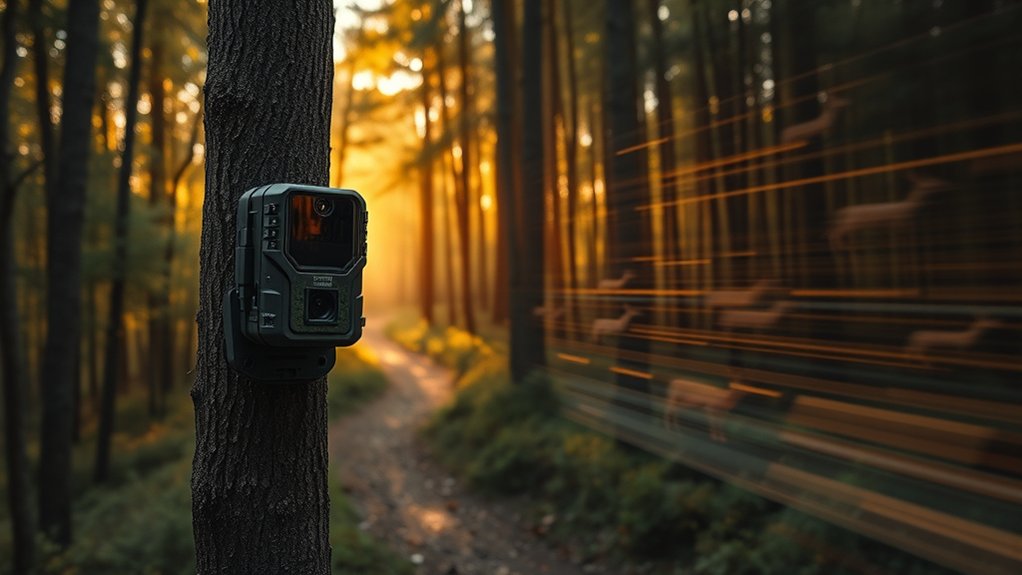
Although you might be familiar with traditional photography, time lapse on a trail camera works differently by capturing a series of images at set intervals. This steady approach lets you observe subtle changes in nature over time, revealing patterns you might otherwise miss. You’ll appreciate the time lapse benefits, such as documenting the gradual movement of wildlife or the shifting light throughout the day.
Rather than waiting for motion, the camera patiently records at your chosen pace. Time lapse applications extend beyond animal tracking; you can monitor plant growth, weather changes, or even human activity in a particular area. By capturing these moments systematically, you gain a unique perspective—one that unfolds slowly, inviting you to notice details that often go unnoticed in real time.
How Time Lapse Differs From Motion-Triggered Photos
While time lapse captures images at regular intervals regardless of movement, motion-triggered photos respond directly to activity within the camera’s field of view. You’ll find time lapse benefits in its ability to document gradual changes, like shifting light or growing plants, without relying on motion detection.
Conversely, motion-triggered photos focus on capturing specific moments when something moves, making them ideal for wildlife or security monitoring.
| Feature | Time Lapse | Motion-Triggered |
|---|---|---|
| Capture Method | Regular intervals | Activated by movement |
| Best Use | Continuous environmental changes | Detecting wildlife or intruders |
| Power Consumption | Often higher due to constant shooting | Lower, only activates on motion |
Understanding these differences helps you choose the right mode for your needs.
When to Use Time Lapse on Your Trail Camera
A time lapse mode on your trail camera captures a slow, unfolding story of the environment around it. You’ll want to use this feature when observing gradual changes, like shifting light, blooming plants, or animal trails forming. The time lapse benefits become clear as you watch wildlife behavior evolve over hours or days, revealing patterns motion-triggered photos might miss.
It’s perfect for documenting animal routines without relying on sudden movements to trigger shots. If you’re curious about how animals interact with their habitat during quiet, less active periods, time lapse offers patient, steady insight. Use it when you want to see the bigger picture—the subtle rhythm and flow of life unfolding naturally in your chosen spot.
How to Set Up Time Lapse on Your Trail Camera
Before you start capturing time lapse sequences, you’ll need to carefully configure your trail camera’s settings to suit the environment and the story you want to tell. Begin by guiding yourself to the time lapse settings menu; here, you can select the interval between shots, ensuring it matches the pace of the scene.
Next, focus on camera positioning—place your trail camera where it captures a broad view without obstructions, considering lighting changes throughout the day. Mount it steadily to avoid unnecessary movement that could blur your images.
Finally, double-check your battery life and memory card to prevent interruptions. By thoughtfully adjusting these elements, you’ll set the stage for compelling, seamless time lapse footage that reveals subtle changes over time.
Choosing the Best Time Lapse Intervals for Wildlife and Security
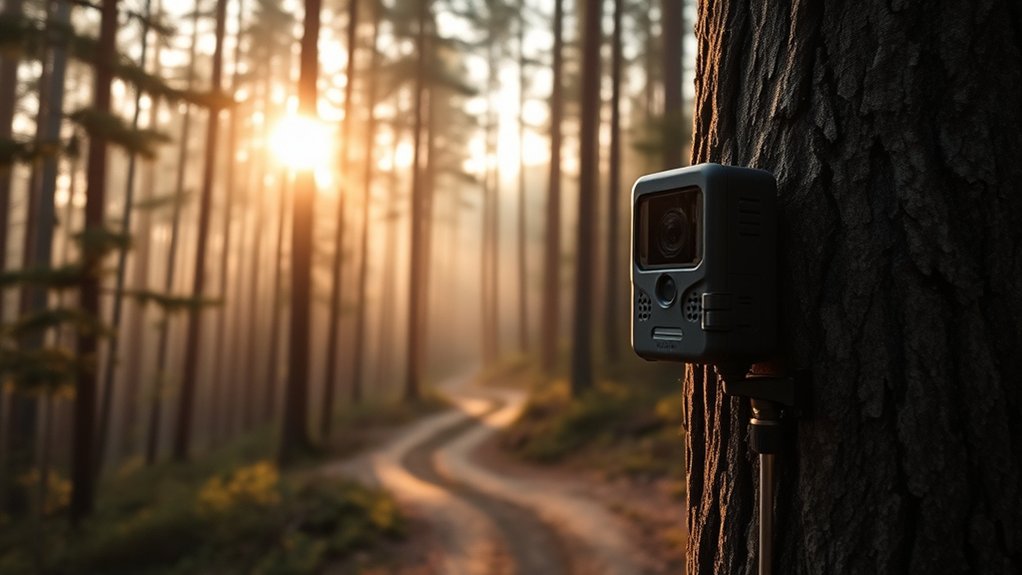
Once you’ve positioned your trail camera and adjusted its settings, the next step is to decide how often it should capture images. Interval selection plays a vital role in balancing detailed wildlife observation with practical data management.
Short intervals reveal intricate animal behaviors but use more storage. Longer intervals conserve resources, ideal for security monitoring or capturing slow changes.
| Interval | Best For |
|---|---|
| 1-5 seconds | Detailed behavior |
| 30 seconds | Active wildlife zones |
| 1-5 minutes | General movement |
| 15+ minutes | Security, slow changes |
Pick intervals thoughtfully to suit your goals, ensuring you capture meaningful moments without overwhelming your setup.
Managing Trail Camera Battery Life and Storage
You’ll want to keep a close eye on your trail camera’s battery life to guarantee it captures every moment. Adjusting power-saving settings and choosing the right time lapse intervals can stretch your battery longer than you might expect.
At the same time, managing your storage efficiently helps you avoid missing important footage when memory runs low. Regularly checking and clearing your memory cards ensures that your camera has space to save new images and videos.
Optimizing Battery Usage
Although trail cameras can capture stunning time-lapse footage over extended periods, their effectiveness depends heavily on how you manage battery life and storage. To optimize battery usage, start by choosing the right battery types—lithium batteries often outlast alkaline ones and perform better in cold weather. Be mindful of energy conservation: disable unnecessary features like LED flash or reduce time-lapse frequency when possible.
Adjust your camera’s settings to balance image quality and power consumption. Also, consider external power sources or rechargeable options if you plan long deployments. By observing your camera’s power demands and tailoring settings carefully, you guarantee it stays operational longer, capturing every moment without interruption.
Your patience in optimizing battery use pays off with consistent, reliable time-lapse results.
Efficient Storage Management
When managing a trail camera, efficient storage is just as essential as conserving battery life. You want to guarantee your camera captures every moment without running out of space. To do this, focus on a few key strategies that balance quality and capacity.
First, use data compression settings to reduce file sizes without sacrificing too much detail. Next, regularly check and swap out memory cards to avoid missing important events. Finally, consider the frequency of time lapse captures—too frequent intervals fill storage quickly, while too sparse might miss action.
- Use high-capacity, fast SD cards
- Enable data compression to save space
- Adjust capture intervals wisely
Power-Saving Camera Settings
Since trail cameras often operate in remote locations for extended periods, optimizing power-saving settings becomes essential to prolong battery life and secure continuous monitoring. You’ll want to adjust your camera’s power settings thoughtfully, selecting options like longer intervals between shots or enabling sleep modes when the camera isn’t actively capturing images. These adjustments help conserve energy by reducing unnecessary activity.
Pay attention to features like motion sensitivity and flash usage, as minimizing these can also extend battery life. By managing these settings carefully, you guarantee your trail camera remains operational over days or weeks without frequent battery changes. This patient, deliberate approach to energy conservation makes your time-lapse captures more reliable, allowing you to observe wildlife patterns without interruption or storage overload.
Making the Most of Your Time Lapse Photos
A time lapse sequence captures more than just moments; it reveals patterns and changes that the naked eye might miss. To make the most of your time lapse photos, focus on capturing movement thoughtfully and enhancing visuals with subtle adjustments.
Here’s how you can elevate your results:
- Choose consistent lighting conditions to highlight gradual shifts without harsh contrasts.
- Frame your scene carefully to include elements that show progression, like swaying branches or moving wildlife.
- Use post-processing tools to adjust brightness and contrast, bringing out details that emphasize change over time.
Frequently Asked Questions
Can Time Lapse Mode Work in Low Light or Nighttime Conditions?
Yes, time lapse mode can work in low light and nighttime conditions, but its effectiveness depends on your trail camera’s low light performance and nighttime functionality.
You’ll notice better results with cameras designed for these environments.
Do Time Lapse Photos Require Special Memory Cards?
You don’t need special memory cards; 64GB cards handle time lapse settings well, ensuring memory card compatibility and smooth shooting.
Choosing a card with fast write speeds helps capture every moment patiently, without missing a frame.
Can Time Lapse Settings Be Combined With Motion Detection?
Yes, you can combine time lapse features with motion detection integration. This lets you capture regular interval photos and trigger shots only when movement occurs, offering a flexible, detailed way to monitor your trail environment patiently and effectively.
How Does Weather Affect Time Lapse Photo Quality?
You’ll notice weather conditions can reduce photo clarity by up to 40%, especially in fog or heavy rain. Patience helps—you’ll capture clearer images when sunlight and calm air improve your time lapse’s overall quality.
Are Time Lapse Videos Possible Directly From Trail Cameras?
Yes, many trail cameras with time lapse technology let you create time lapse videos directly. You’ll find trail camera features designed to capture frames at set intervals, making it easier for you to observe gradual changes patiently and clearly.
Conclusion
You might think time lapse on a trail camera is just about capturing slow changes, but it reveals so much more. By patiently watching scenes unfold, you uncover patterns motion-triggered shots miss—like shifting light, subtle animal behaviors, or quiet moments between movements.
With careful setup and timing, you’ll watch nature’s story in a new way. So, don’t rush; let time lapse show you what’s truly happening in the wild around you. Embracing time lapse on a trail camera can transform how you observe and understand the natural world.