You use your WiFi trail camera’s motion sensors to detect wildlife, triggering it to capture images or videos.
The camera compresses the data, then connects to your WiFi network, sending files wirelessly using secure radio frequencies.
It relies on strong signal strength and error-checking protocols to guarantee data integrity.
Power comes from batteries or solar panels, balancing usage and longevity.
Understanding setup and connectivity details can help you optimize performance and remote management.
Key Takeaways
- Wifi trail cameras capture images or videos using motion sensors and compress data for wireless transmission.
- They connect securely to a WiFi network via built-in settings or companion apps.
- Captured media is sent wirelessly in real-time using radio frequency signals.
- Battery types and optional solar panels power the cameras for extended use.
- Users access images remotely, enabling instant monitoring without physical memory card retrieval.
What Is a Wifi Trail Camera and How It Works
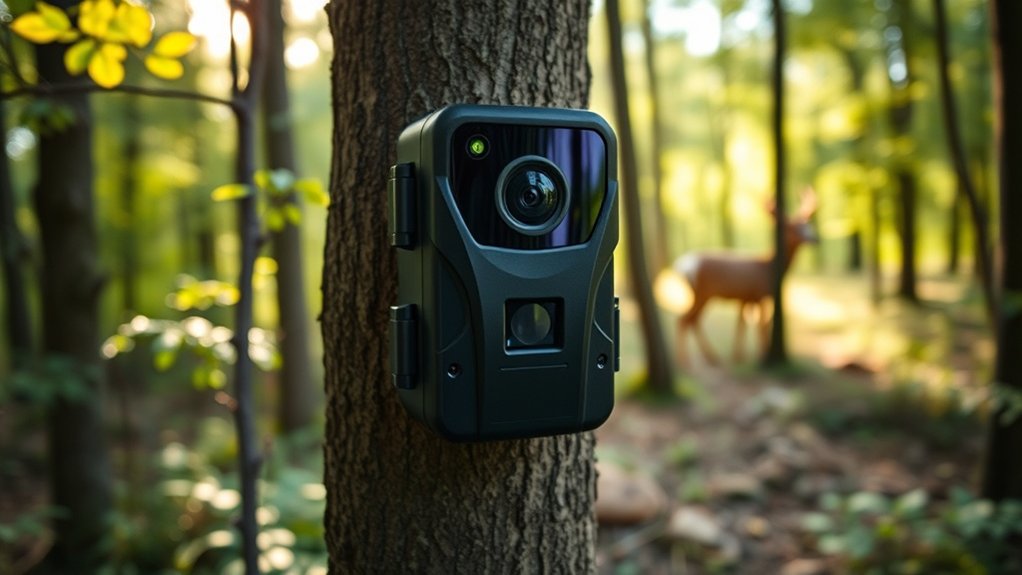
A WiFi trail camera is a specialized device designed to capture images and videos of wildlife or outdoor activity and transmit them wirelessly to your smartphone or computer. You’ll find key WiFi camera features like motion sensors, infrared night vision, and built-in wireless modules that enable remote monitoring without needing to physically retrieve memory cards. Once triggered, the camera snaps photos or records video, then uses its WiFi connection to send the data instantly.
This setup lets you observe animal behavior or monitor property in real time, saving time and effort. Its compact design houses a durable casing and efficient battery system, ensuring reliable performance in various weather conditions. By understanding these components, you can effectively deploy and manage your trail camera for superior results.
How Wifi Sends Your Trail Camera’s Photos and Videos
WiFi transmits your trail camera’s photos and videos through a series of precise, automated steps designed for efficiency and speed. Once your camera captures an image or records a video, it compresses the data to optimize size without significant quality loss. The device then initiates a secure connection with your WiFi network, preparing for photo transfer or video streaming.
Data packets are segmented and sent wirelessly using radio frequency signals, which your router receives and forwards to your linked device or cloud storage. For video streaming, the camera maintains a continuous data flow, ensuring smooth playback. Throughout this process, error-checking protocols verify data integrity, minimizing loss or corruption during transmission, so you receive crisp images and uninterrupted videos promptly.
How to Connect Wifi Trail Cameras to Your Network
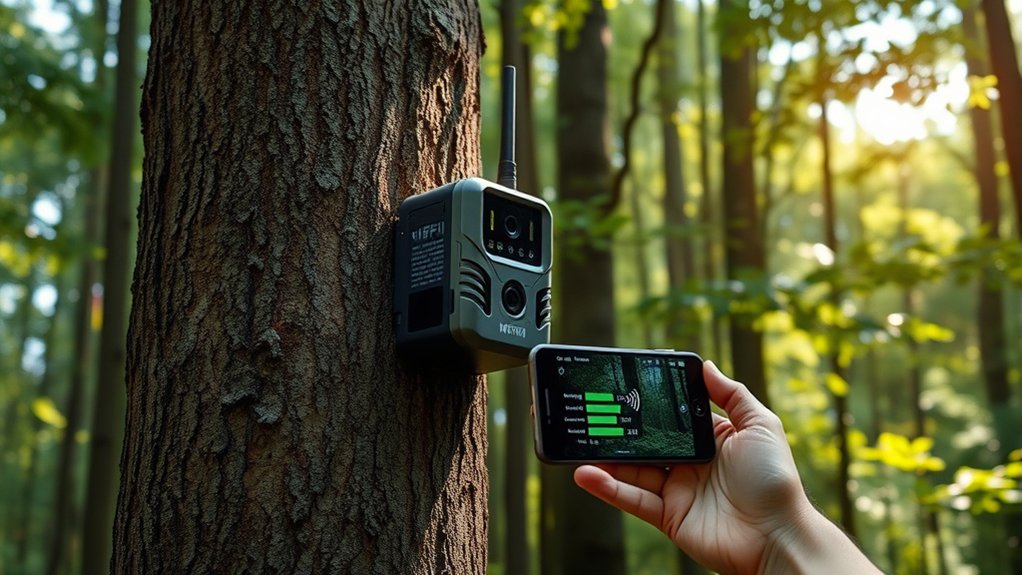
Now that you understand how your trail camera sends photos and videos over a wireless network, connecting the device to your home or field WiFi is the next step.
Begin by powering on the camera and accessing its built-in menu via the display or companion app. Locate the WiFi settings, then scan for available networks. Select your network and enter the password carefully, ensuring strong network security by using WPA2 or WPA3 encryption.
Keep in mind, camera placement affects signal strength; position the camera where it maintains a clear line of sight to your router or extender, avoiding thick foliage or metal obstacles.
After configuring the connection, test by triggering the camera to confirm images upload promptly. Proper setup guarantees reliable wireless performance in your monitoring area.
Power Options for Wifi Trail Cameras
You’ll want to take into account the battery types and their lifespan to guarantee your wifi trail camera stays powered during extended monitoring. Lithium batteries offer longer life and better performance in cold conditions compared to alkaline options.
Additionally, integrating solar panels can provide continuous power by recharging batteries, reducing the need for frequent replacements.
Battery Types and Lifespan
Although trail cameras come equipped with various power options, understanding battery types and their lifespan is crucial to maximizing performance and minimizing downtime. You’ll find that alkaline, lithium, and rechargeable NiMH batteries dominate the market.
Alkaline batteries are affordable but offer a shorter lifespan, often lasting a few weeks in active use. Lithium batteries, though pricier, provide a longer lifespan and perform better in extreme temperatures, making them ideal for extended outdoor deployment. Rechargeable NiMH batteries strike a balance with moderate lifespan and environmental friendliness, but they require regular recharging.
When you compare lifespan, lithium batteries generally outperform others, delivering up to twice the longevity of alkalines. Selecting the right battery type based on your camera’s power consumption and environmental conditions guarantees reliable, uninterrupted operation.
Solar Power Integration
Solar power integration offers a sustainable and efficient solution for keeping your wifi trail camera operational in remote locations. By harnessing sunlight, solar panels convert energy with varying solar panel efficiency depending on material and angle, guaranteeing continuous power without frequent battery changes. This sustainable energy source is ideal for extended monitoring in areas lacking electrical access.
You’ll need to evaluate panel size, battery capacity, and sunlight exposure to optimize performance.
| Component | Description | Impact on Efficiency |
|---|---|---|
| Solar Panel | Converts sunlight to electricity | Dictates energy input rate |
| Battery | Stores generated energy | Guarantees power during low light |
| Charge Controller | Regulates charging process | Protects battery from damage |
| Camera | Consumes power | Determines overall usage |
Efficient solar integration maximizes uptime and reliability in the field.
How to Set Up and Manage Your Wifi Trail Camera Remotely
When setting up your wifi trail camera remotely, the first step involves connecting it to a stable wireless network to secure seamless data transmission. Begin by powering on the camera and accessing its built-in Wi-Fi settings via the companion app or web interface. Enter your network credentials carefully to establish a secure connection.
Once connected, enable remote access features within the app, allowing you to monitor live feeds and receive instant alerts from anywhere. For efficient camera management, configure motion sensitivity and capture intervals tailored to your environment to optimize battery life and storage.
Regularly update the camera’s firmware remotely to maintain security and performance. By mastering these steps, you guarantee that your wifi trail camera operates reliably, giving you real-time insights without frequent physical interaction.
Troubleshooting Wifi Trail Camera Problems
If your wifi trail camera isn’t connecting properly, start by checking the signal strength and network settings, as weak signals or incorrect passwords often cause issues.
Also, monitor battery levels closely since low power can disrupt both connectivity and camera functions. Addressing these two areas usually resolves most common problems quickly.
Connectivity Issues
Several factors can disrupt your wifi trail camera’s connectivity, making troubleshooting vital for consistent performance. First, check for signal interference caused by nearby electronic devices, thick walls, or dense foliage that can weaken or block the wifi signal. Position your camera within a clear line of sight to your router or hotspot to minimize this issue.
Also, verify network compatibility; some cameras only support specific frequency bands (2.4 GHz vs. 5 GHz) or encryption protocols. Confirm your network matches your camera’s requirements. Additionally, confirm your router’s firmware is up to date to avoid connectivity glitches.
Battery and Power Problems
Battery life and power management play critical roles in the reliable operation of your wifi trail camera. You must prioritize battery maintenance to avoid unexpected shutdowns or data loss. Efficient power use guarantees your camera runs longer between charges, especially since wifi connectivity drains power faster than standard models.
To troubleshoot battery and power problems, focus on these key areas:
- Use high-capacity rechargeable batteries designed for cold temperatures to maintain consistent voltage.
- Optimize camera settings like reducing image resolution or limiting wifi transmission frequency to boost power efficiency.
- Regularly inspect battery contacts for corrosion or dirt, which can impede electrical flow and reduce performance.
Frequently Asked Questions
Can Wifi Trail Cameras Work in Extreme Weather Conditions?
Yes, your WiFi trail camera can work in extreme weather conditions if it has weather resistance features. These features guarantee performance reliability by protecting internal components from moisture, dust, and temperature fluctuations.
This protection helps maintain consistent operation in harsh environments, ensuring your camera captures images and videos without interruption. Always check the specifications for weatherproof ratings before purchasing.
How Long Does the Battery Typically Last on Wifi Trail Cameras?
You’ll typically get a battery lifespan of 3 to 6 months on your WiFi trail camera, depending on power management settings, usage frequency, temperature, and whether it uses rechargeable or alkaline batteries for peak performance.
Factors like frequent motion detection and high-resolution image capture can drain batteries faster.
In colder temperatures, battery life may decrease due to reduced chemical activity.
Choosing high-quality batteries and optimizing settings can help extend the operational time of your camera.
Are Wifi Trail Cameras Compatible With All Smartphone Brands?
Like a universal translator, most WiFi trail cameras offer broad smartphone compatibility, ensuring seamless camera connectivity across iOS and Android devices.
Still, checking specific app support and network protocols helps avoid unexpected glitches or pairing issues.
Can Multiple Users Access the Same Wifi Trail Camera Simultaneously?
Yes, multiple users can access the same WiFi trail camera simultaneously by setting shared access.
You’ll need to manage user permissions carefully to control who can view, modify, or download footage, ensuring secure and coordinated monitoring.
Do Wifi Trail Cameras Affect Local Wifi Network Performance?
Yes, wifi trail cameras can cause wifi interference, slightly affecting your local network’s performance.
To minimize impact, you’ll want to guarantee strong network security and place the camera away from your main router and other devices.
Conclusion
Setting up your WiFi trail camera is like tuning a finely crafted radio—once you find the right frequency, the images stream effortlessly to your device. With reliable power options and a stable network connection, your camera acts as an ever-watchful sentinel, capturing wildlife moments in real time.
When you troubleshoot carefully, you guarantee consistent performance. This turns your remote monitoring into a seamless experience that brings the forest right to your fingertips.
Understanding how WiFi trail cameras work helps you maximize their potential, ensuring you never miss a moment in the wild.