Do trail cameras need WiFi? The simple answer is no, they don’t require WiFi to function.
These cameras rely on motion sensors and onboard storage to capture wildlife autonomously.
Trail cameras use passive infrared detection to trigger photos and videos, saving data locally on SD cards without any network dependence. This allows them to operate effectively in remote areas where WiFi is unavailable.
WiFi enhances features such as instant alerts, remote viewing, and cloud uploads, but it isn’t essential for basic operation.
If you want to understand how WiFi affects performance, battery life, and remote access, there’s more to explore.
Key Takeaways
- Trail cameras do not require WiFi to capture images or videos using motion sensors and onboard storage.
- WiFi enables remote viewing, instant alerts, and automatic cloud uploads, which are unavailable without connectivity.
- Battery life is reduced in WiFi-enabled cameras due to continuous or frequent wireless communication.
- Offline trail cameras store data locally on SD cards and operate effectively in remote, WiFi-free areas.
- Strong WiFi signals improve data transfer and remote management but are not essential for basic camera operation.
How Do Traditional Trail Cameras Work Without WiFi?
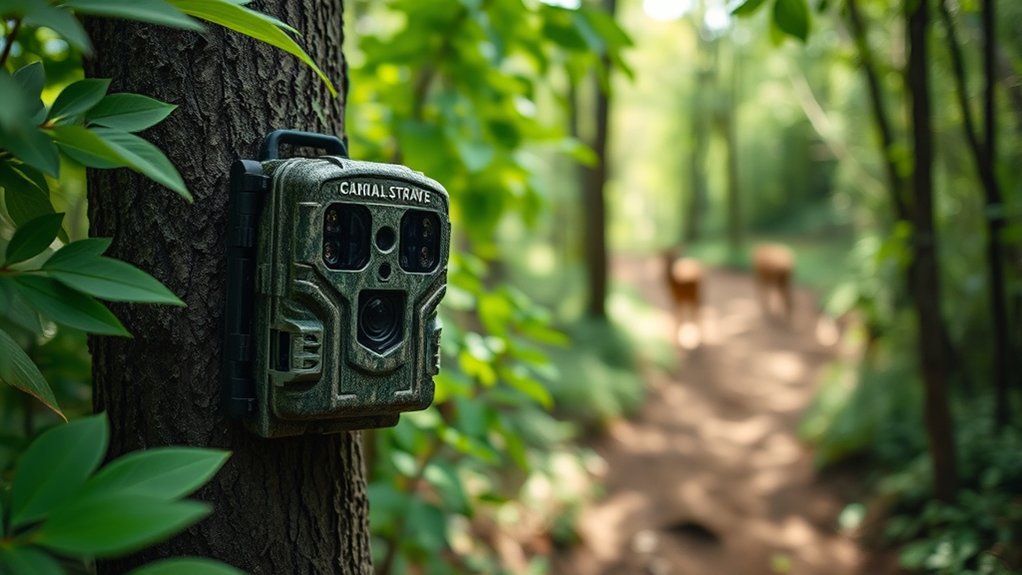
Although traditional trail cameras don’t rely on WiFi, they function effectively by using motion sensors and onboard storage. Their traditional functionality centers on sensor technology that detects movement through passive infrared sensors, activating the trigger mechanisms to capture images or videos. The image capture process is rapid, ensuring you don’t miss wildlife activity during monitoring.
Storage solutions usually consist of SD cards, securely holding data until you retrieve it. The setup process involves positioning the camera strategically and configuring sensitivity settings, optimizing your user experience. This system enables efficient wildlife monitoring without continuous connectivity, relying on mechanical and electronic components to operate autonomously.
You benefit from straightforward installation and reliable performance, even in remote areas, thanks to these proven, self-contained technologies.
Do Trail Cameras Really Need WiFi to Work?
While WiFi connectivity enhances certain trail camera features, these devices do not require WiFi to function fundamentally. You can rely on traditional trail cameras that use wireless technology such as infrared sensors and motion detectors to capture images or videos independently of any network. Camera connectivity through WiFi is an added option, not a necessity.
Here’s why you don’t need WiFi for basic operation:
- Trail cameras store data locally on SD cards, allowing offline use.
- Infrared and motion sensors trigger recording without external signals.
- Battery-powered units operate autonomously without network dependence.
Thus, you can deploy trail cameras effectively in remote areas lacking WiFi, ensuring reliable monitoring through embedded hardware and firmware rather than continuous wireless connectivity.
What Benefits Does WiFi Add to Trail Cameras?
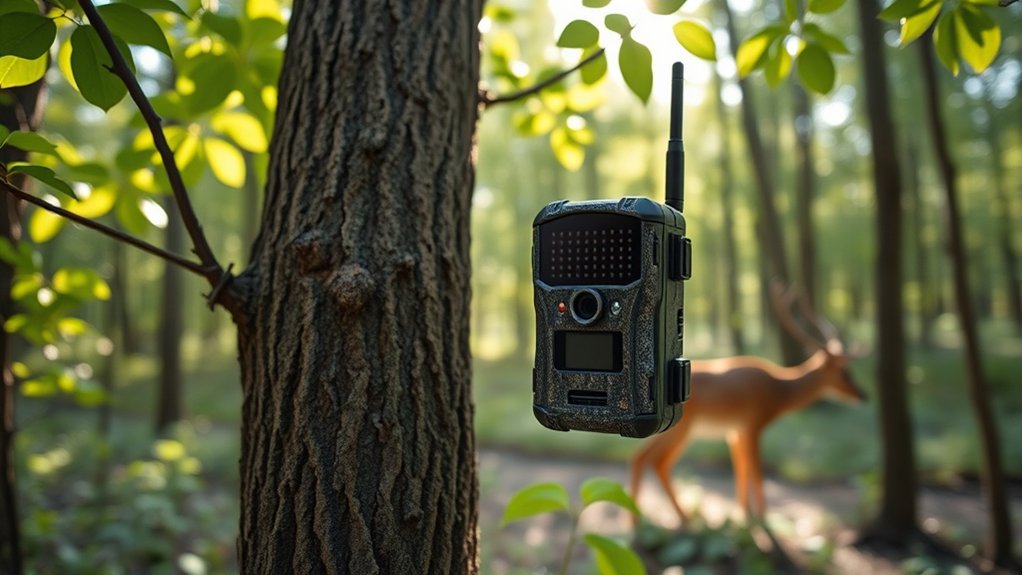
When you connect a trail camera to WiFi, you gain immediate access to photos and videos without physically retrieving the SD card. This connectivity enables remote monitoring, allowing you to check real-time activity from your device via apps or web portals. WiFi integration enhances data management by transmitting images directly to your smartphone or cloud storage, facilitating faster analysis and decision-making.
Additionally, it simplifies image sharing with colleagues or wildlife researchers, improving collaborative efforts without manual file transfers. The wireless connection also supports automated alerts triggered by motion detection, ensuring prompt notification of significant events. Overall, WiFi transforms a conventional trail camera into an efficient, responsive monitoring tool, optimizing fieldwork and reducing the need for frequent site visits while maintaining thorough data capture and accessibility.
Is WiFi Reliable for Trail Cameras in Remote Spots?
Three key factors determine WiFi reliability for trail cameras in remote spots: signal strength, environmental interference, and power availability. You’ll find remote connectivity challenging where signal interference from dense foliage or terrain disrupts WiFi signals, reducing effective range. Additionally, limited power sources can cause intermittent camera operation.
Consider these critical points:
- Signal Strength: Distance from the router or hotspot drastically affects connectivity.
- Environmental Interference: Physical barriers like trees or hills cause signal degradation.
- Power Availability: Reliable power guarantees continuous WiFi operation; batteries may deplete quickly.
Given these factors, WiFi often proves unreliable for trail cameras in isolated environments. For consistent remote connectivity, alternative transmission technologies or signal boosters might be necessary to overcome inherent WiFi limitations in such settings.
Can You Access Trail Camera Footage Remotely With WiFi?
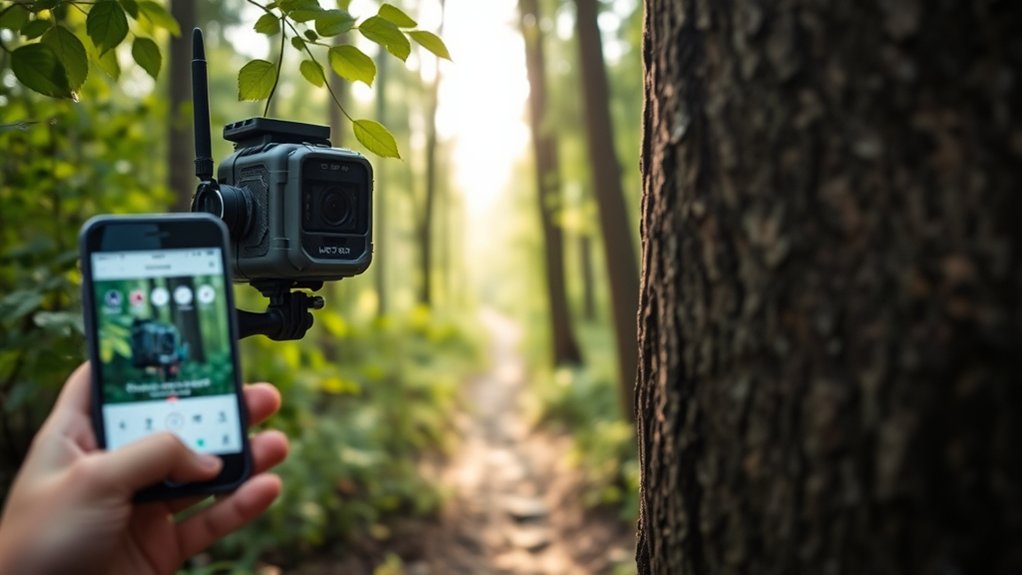
How easily can you access trail camera footage remotely using WiFi? When your trail camera supports WiFi connectivity, it enables remote access to images and videos without physically retrieving the device. Through a dedicated app or web platform, you can connect to the camera’s local network or internet-enabled system, facilitating real-time footage sharing.
This setup relies on the camera’s ability to transmit data over WiFi, requiring a stable connection and proper configuration. Remote access allows you to monitor wildlife activity promptly and manage camera settings from your smartphone or computer. However, WiFi range limitations and environmental factors can affect connectivity, so ensuring a strong signal is vital for seamless footage sharing.
Are WiFi Trail Cameras More Expensive, and Why?
Although WiFi trail cameras provide convenient remote access and real-time monitoring, they generally cost more than standard models. A detailed cost analysis reveals several factors influencing this price difference. First, enhanced WiFi security protocols require advanced hardware and software integration to protect your data from unauthorized access.
Second, the inclusion of wireless communication modules adds to the manufacturing complexity and component costs. Third, these cameras often incorporate more sophisticated processors to handle real-time data transmission and encryption efficiently.
- Advanced WiFi security components increase production expenses.
- Integration of wireless modules demands higher-quality parts.
- Enhanced processing capabilities require costlier hardware.
Understanding these factors helps clarify why WiFi trail cameras have a higher upfront cost compared to non-WiFi alternatives.
How Does WiFi Affect Trail Camera Battery Life?
When you enable WiFi on your trail camera, it increases power consumption and accelerates battery drain compared to non-WiFi models. You’ll notice that continuous or frequent data transmission demands more energy, shortening operational time between charges.
To maximize battery life, you should adjust settings like transmission intervals and standby modes carefully.
WiFi’s Power Consumption Impact
Since WiFi modules actively transmit and receive data, they markedly increase a trail camera’s power consumption compared to models without wireless connectivity. When you enable WiFi, the camera’s energy efficiency decreases because the radio frequency components draw continuous current, even in standby mode. This additional load shortens your device’s operational time between battery changes.
Key factors influencing WiFi’s power consumption include:
- Transmission power: Higher output requires more energy.
- Connection intervals: Frequent data syncing consumes more battery.
- Sleep mode efficiency: How well the camera minimizes power use when idle.
Understanding these elements helps you balance wireless convenience with battery longevity. If extended deployment is your goal, consider models designed with optimized WiFi power management to maintain better energy efficiency.
Battery Drain Rate Comparison
Two primary factors determine how WiFi impacts your trail camera’s battery life: the power draw during active data transmission and the duration the WiFi module remains powered on between transmissions. WiFi modules typically consume considerably more power than the camera’s standby mode, accelerating battery drain when transmitting images or videos.
If the transmission intervals are frequent or prolonged, battery life declines rapidly due to sustained power consumption. Conversely, infrequent and brief WiFi activity helps preserve power efficiency by minimizing the active transmission window.
Comparing WiFi-enabled cameras to those without connectivity, the former generally exhibit shorter battery life under similar conditions. Consequently, WiFi’s continuous or repeated activation can reduce operational time, making power efficiency a critical consideration when selecting or configuring your trail camera for extended use.
Optimizing Settings For Longevity
Although WiFi enhances convenience by enabling remote access to your trail camera, it considerably impacts battery life, so you need to optimize settings carefully to extend operational longevity. WiFi modules increase power consumption due to constant connectivity demands.
For effective battery optimization, implement precise settings adjustments that balance connectivity with power use. Consider these strategies:
- Limit WiFi active periods: Schedule WiFi activation only during specific time windows to reduce continuous energy draw.
- Adjust image resolution and frequency: Lower resolution and reduce capture frequency decrease data transmission and conserve battery.
- Enable power-saving modes: Utilize camera power management features that disable WiFi and sensors when inactive.
How WiFi Changes Trail Camera Storage and Data Transfer
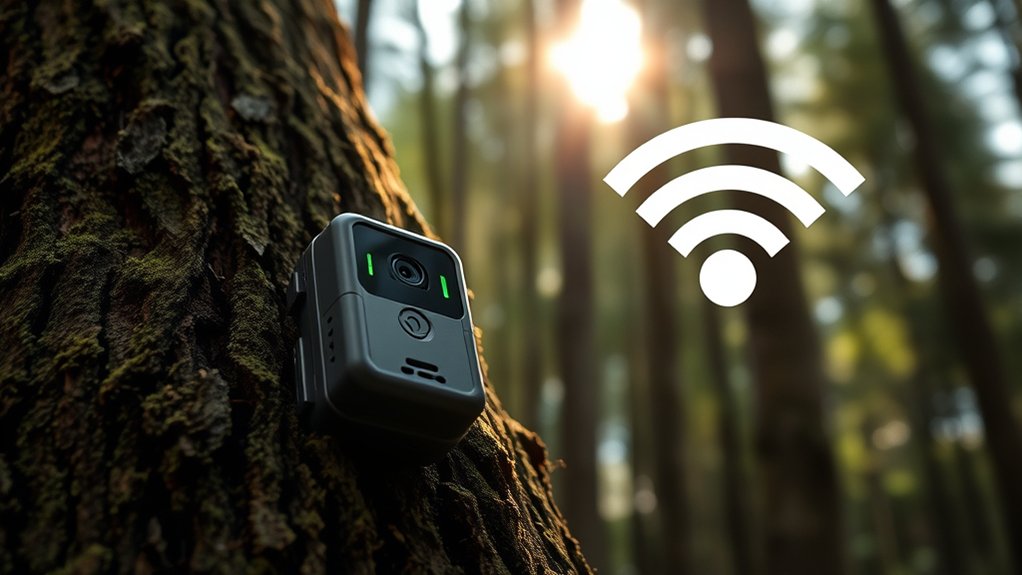
When you equip a trail camera with WiFi capabilities, you greatly enhance how it stores and transfers data. WiFi enables real-time remote management, allowing you to monitor storage capacity without physically accessing the device. This connectivity facilitates immediate data transfer, reducing the risk of data loss from full memory cards.
However, signal strength plays a critical role; weak WiFi signals can interrupt transfers and delay updates. Additionally, WiFi-enabled cameras often incorporate data encryption protocols, ensuring secure transmission and protecting sensitive information from unauthorized access.
What Trail Camera Features Need WiFi to Work?
Since WiFi enables real-time communication between your trail camera and connected devices, certain features depend entirely on this connectivity to function properly. Without wireless connectivity, these features become limited or unavailable. You rely on WiFi for seamless remote monitoring and efficient data handling.
Key features requiring WiFi include:
- Live View Streaming: Enables you to view real-time images or videos directly from the camera, essential for immediate decision-making.
- Instant Alerts and Notifications: Sends prompt updates on detected motion or events, allowing you to react quickly to wildlife activity or security concerns.
- Cloud Storage Synchronization: Automatically uploads captured media to cloud services, ensuring data security and easy access without physical retrieval.
These functions utilize WiFi to enhance usability and provide timely, actionable information remotely.
When Should You Choose a WiFi-Enabled Trail Camera?
The benefits of WiFi-enabled trail cameras become most apparent based on your specific monitoring needs and environment. You should choose a WiFi-enabled trail camera if you require real-time data access and remote monitoring capabilities, especially in areas with reliable network coverage. WiFi advantages include instant image transmission, reducing the need for physical retrieval and minimizing disturbance to the site.
This is essential for scientific studies or security operations where timely information is critical. Additionally, if you need to adjust settings or troubleshoot the camera remotely, WiFi-enabled models provide greater flexibility. However, if your monitoring location lacks WiFi infrastructure or prioritizes battery longevity over connectivity, traditional cameras may be more suitable.
Assess your environmental conditions and data access requirements before selecting a WiFi-enabled trail camera.
Frequently Asked Questions
Can Wifi Trail Cameras Work With Cellular Data Instead?
Yes, WiFi trail cameras with cellular compatibility can work using cellular data. You’ll need a data plan to enable this functionality.
Keep in mind that data usage depends on the frequency and resolution of images or videos captured. This will impact your overall cellular data consumption.
How Secure Is the Wifi Connection on Trail Cameras?
You’d trust a trail camera’s WiFi encryption methods like a vault, but trail camera security often uses WPA2 or WPA3, providing solid protection—though weak passwords or outdated firmware can ironically make your data less secure than you’d expect.
Do Wifi Trail Cameras Require Special Apps or Software?
Yes, WiFi trail cameras typically require specialized apps to guarantee app functionality and seamless software compatibility. These apps enable remote control, real-time monitoring, and efficient image management.
They optimize your camera’s performance through tailored software interfaces, making it easier to access and manage your footage from anywhere. This ensures you get the most out of your device with minimal hassle.
Can Wifi Trail Cameras Be Hacked or Accessed by Others?
While your WiFi trail camera isn’t completely impervious to curious digital visitors, maintaining strong WiFi security and regularly updating firmware can greatly reduce camera vulnerabilities.
These steps help you safeguard your footage against unauthorized access effectively. Staying vigilant about security updates and password strength is key to protecting your device.
What Is the Typical Wifi Range for Trail Cameras?
You’ll find typical WiFi range for trail cameras is about 100 to 300 feet, but range limitations occur due to obstacles and signal interference like trees or terrain, which greatly reduce effective connectivity distances.
Obstacles such as dense foliage, hills, and buildings can block or weaken the signal. Additionally, other wireless devices operating on similar frequencies may cause interference.
To maximize connectivity, placing the camera in an open area with a clear line of sight to the receiver is ideal.
Conclusion
You don’t necessarily need WiFi for your trail camera to function—traditional models operate effectively without it. However, studies show that WiFi-enabled trail cameras can increase data retrieval speed by up to 60%, allowing near-instant remote access to footage.
While WiFi adds convenience and real-time monitoring, it may reduce battery life and depend on network reliability. Consider your specific needs and environment before choosing a WiFi-enabled model to optimize performance and efficiency.
In conclusion, whether or not you need WiFi for your trail camera depends on your priorities, but incorporating WiFi can greatly enhance the overall user experience.