You’ll find that cellular trail cameras use motion sensors to detect wildlife movement and instantly capture images or videos.
These cellular trail cameras convert the data into digital packets, sending them wirelessly through cellular networks to your phone or computer.
They rely on a SIM card, antenna, and cellular modem to maintain connectivity, while adjustable sensor settings optimize battery life and image clarity.
If you want to understand how to pick plans, position cameras, or troubleshoot, there’s more to explore.
Key Takeaways
- Cellular trail cameras capture images or videos triggered by motion sensors and transmit data wirelessly via integrated SIM cards and cellular modems.
- Motion detection uses passive infrared (PIR) sensors that sense heat changes to activate the camera only upon relevant movement.
- Captured data is converted into digital packets and sent through nearby cellular towers to central servers for remote access.
- Users view real-time images and videos on phones or computers through mobile apps connected to secure cloud storage.
- Network coverage, SIM activation, and battery health are essential for reliable data transmission and continuous camera operation.
What Is a Cellular Trail Camera and How Is It Different?
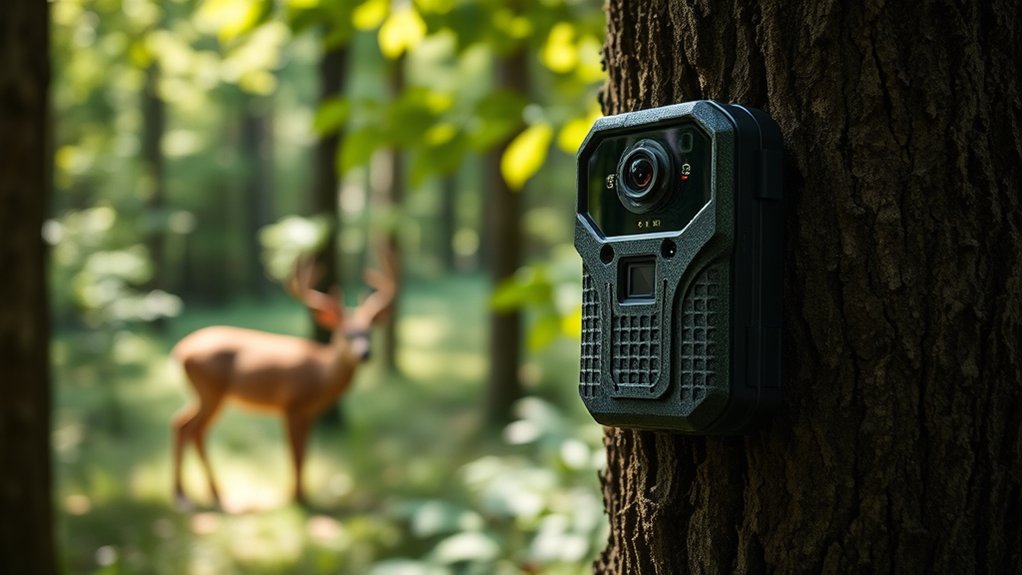
Although traditional trail cameras capture images and videos for later retrieval, a cellular trail camera transmits data wirelessly via cellular networks, allowing you to receive real-time updates remotely. This device integrates advanced wireless technology, including a built-in SIM card and antenna, to send photos and videos directly to your smartphone or computer.
Unlike standard models, it eliminates the need to physically access the camera to collect data, enhancing efficiency in wildlife observation. The cellular trail camera’s motion sensors trigger instant captures, which are then compressed and transmitted over cellular infrastructure. This seamless connectivity supports timely monitoring of animal behavior and environmental conditions.
As a result, you gain immediate insights without disturbing habitats, making cellular trail cameras indispensable tools for remote and continuous wildlife tracking.
How Cellular Networks Transmit Wildlife Data in Real Time
Cellular networks rely on a series of interconnected towers and base stations to transmit wildlife data from your trail camera to your device in real time. When your camera captures an image or video, it converts this data into digital packets. These packets are then sent wirelessly to the nearest cellular tower via radio frequency signals.
The tower forwards the data through the cellular network infrastructure, routing it over backhaul connections to a central server. This server processes and stores the information, making it accessible on your smartphone or computer. For effective wildlife tracking, network reliability is essential; without strong signal strength and consistent tower coverage, data transmission can lag or fail.
You’ll notice the system’s efficiency depends heavily on seamless handoffs between towers as the signal travels.
Essential Hardware Components of Cellular Trail Cameras
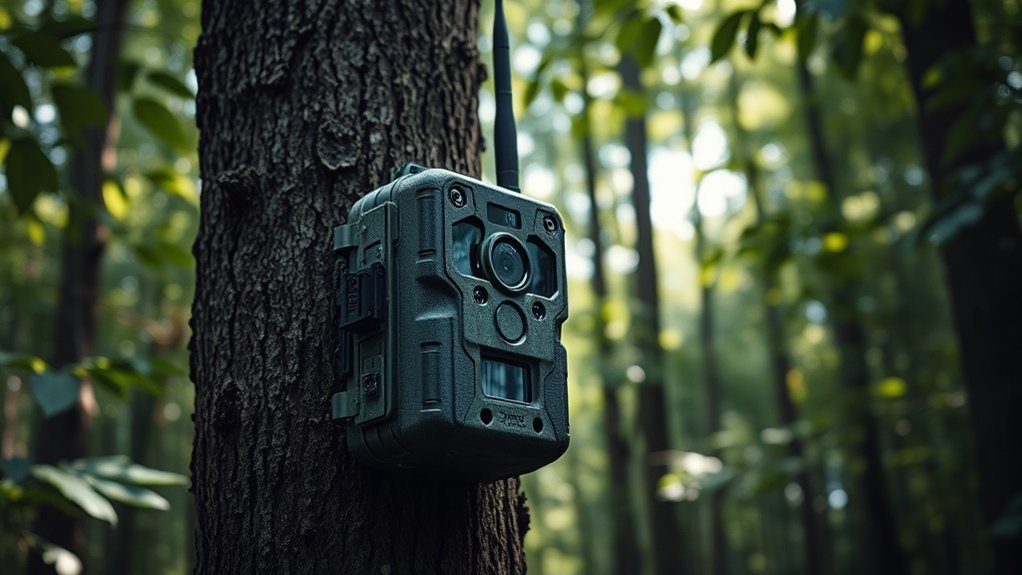
You’ll find that the quality of images depends heavily on the camera sensors and lenses, which capture detailed wildlife activity under varying light conditions.
The cellular modem integration is equally critical, as it manages data transmission over the network while optimizing power consumption.
Understanding these components helps you appreciate how the camera balances image clarity with reliable connectivity in remote locations.
Camera Sensors and Lenses
Because the quality of images depends heavily on the sensor and lens, these components play a crucial role in the performance of trail cameras. You’ll find that sensors in cellular trail cameras are typically CMOS, favored for their low power consumption and fast processing. The sensor size directly impacts image quality; larger sensors capture more light, yielding clearer photos in low-light conditions.
Lens types vary, with fixed focal length lenses being common to maintain simplicity and durability. Some cameras employ wide-angle lenses to maximize coverage area, but this can introduce distortion. You must balance lens aperture and focal length to optimize depth of field and sharpness.
Together, the sensor’s sensitivity and the lens’s optical characteristics determine the resolution, clarity, and overall effectiveness of your trail camera’s imagery.
Cellular Modem Integration
An integrated modem serves as the communication backbone in trail cameras, enabling real-time data transmission over cellular networks. When you rely on cellular connectivity, the modem guarantees your camera stays linked to the network, delivering images and videos promptly.
Key aspects to take into account include:
- Modem type—4G LTE or 5G modems dictate speed and latency.
- Antenna design—critical for maximizing signal strength and network reliability.
- Power efficiency—modems consume power, affecting battery life in remote settings.
- Network compatibility—modems must support multiple carriers and frequency bands to maintain consistent connectivity.
Understanding these factors helps you optimize your camera’s cellular performance, guaranteeing you don’t miss critical moments due to dropped connections or slow data transfer.
How Motion Sensors Trigger Images on Cellular Trail Cameras
Motion sensors on cellular trail cameras detect changes in infrared energy within their field of view to trigger image capture. When an animal or person passes through, the sensor picks up the heat differential caused by their body temperature against the cooler environment. This motion detection uses passive infrared (PIR) technology, which is finely tuned to distinguish relevant movement from environmental noise like swaying branches.
Once triggered, the camera’s processor activates the shutter, capturing either a still image or video. The sensor’s sensitivity and detection range are adjustable, allowing you to optimize performance based on terrain and target species. This precise motion detection guarantees the camera conserves battery life by only capturing images when significant movement occurs, enhancing data relevance and efficiency in monitoring wildlife or security activity.
How Cellular Trail Cameras Send Data to Your Phone or Computer
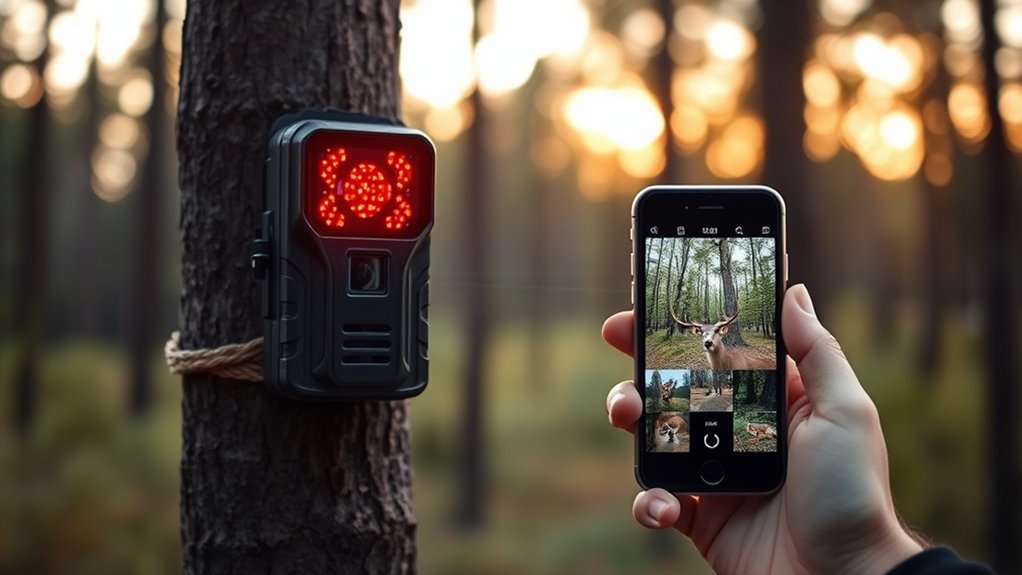
When your cellular trail camera captures an image, it uses built-in cellular networks to transmit data directly to your phone or computer.
You’ll typically manage and view these images through a dedicated mobile app, which syncs seamlessly with the camera’s transmission. This integration guarantees you get real-time updates without manually retrieving the memory card.
Data Transmission Methods
Although cellular trail cameras capture images and videos in remote locations, their true utility depends on how efficiently they transmit this data to your phone or computer. You rely on robust data transmission methods that balance signal strength and data security. Here are the primary methods used:
- Cellular Networks: Cameras connect via 3G, 4G, or LTE to send data, depending on network availability and signal strength.
- Wi-Fi Transfer: When within range, cameras can use Wi-Fi to upload data faster and securely.
- Satellite Communication: In extremely remote areas, some models use satellite links, though with slower speeds.
- Bluetooth or Direct Transfer: For close-range, direct device syncing without cellular dependence.
Each method prioritizes encrypted data transmission, ensuring your footage remains protected during transfer.
Mobile App Integration
Once cellular trail cameras transmit data through networks or direct connections, mobile app integration takes over to deliver the images and videos straight to your phone or computer. The app acts as the control center, processing incoming data packets and updating your device in real-time. Mobile notifications alert you instantly when new footage arrives, ensuring you don’t miss critical activity.
The user interface is designed for efficiency, allowing you to review images, manage camera settings, and organize files seamlessly from one platform. This integration relies on secure cloud servers that store data temporarily, enabling smooth synchronization across devices.
How to Set Up and Position Your Cellular Trail Camera for Best Results
Where should you place your cellular trail camera to capture the most accurate and useful data? Proper camera placement hinges on understanding wildlife patterns and terrain features. To optimize your setup:
- Identify animal trails or feeding areas by studying signs like tracks or droppings.
- Position the camera 3-5 feet above ground, angled slightly downward to maximize detection range.
- Avoid direct sunlight facing the lens to prevent glare and false triggers.
- Choose locations with natural backdrops for better camouflage and reduced wind movement that may cause false activations.
What Types of Cellular Plans Work Best for Cellular Trail Cameras
When selecting a cellular plan for your trail camera, you need to take into account factors like data limits, network coverage, and cost efficiency. Prepaid plans offer flexibility, allowing you to control expenses without long-term commitments. They’re ideal if you only need coverage seasonally or want to test coverage quality before committing.
However, if your camera captures frequent high-resolution images or videos, unlimited data plans are more suitable, preventing unexpected overage charges and ensuring continuous data transfer. Network coverage is paramount; choose a provider with strong reception in your camera’s location to minimize transmission delays or failures.
Balancing cost and data needs, prepaid plans with sufficient data or unlimited options provide the best reliability and budget control for cellular trail cameras.
Troubleshooting Common Issues With Cellular Trail Cameras
Three common issues often disrupt the performance of cellular trail cameras: poor signal reception, battery drain, and data transmission failures. To troubleshoot these, you should:
- Check signal strength regularly; reposition the camera or add an external antenna to alleviate connectivity problems.
- Monitor battery voltage with a multimeter; replace or recharge batteries if voltage drops below manufacturer recommendations to avoid battery issues.
- Verify SIM card activation and data plan status to guarantee uninterrupted data transmission.
- Inspect firmware updates; outdated software can cause erratic behavior and failed uploads.
Addressing these factors methodically helps maintain consistent operation. Remember, environmental conditions like dense foliage or weather can exacerbate connectivity problems, so consider these when selecting camera placement.
Regular maintenance and proactive monitoring prevent most common cellular trail camera failures.
Frequently Asked Questions
Can Cellular Trail Cameras Operate in Extreme Weather Conditions?
Yes, your cellular trail camera can operate in extreme weather conditions thanks to advanced weather resistance and wide temperature tolerance. These features guarantee reliable performance despite rain, snow, heat, or cold, maintaining consistent data capture.
This resilience ensures that the camera continues to function effectively regardless of environmental challenges. You can trust your device to deliver accurate and timely data throughout the year.
How Long Do the Batteries in Cellular Trail Cameras Typically Last?
Think of your cellular trail camera like a marathon runner; with good power efficiency, its battery longevity can stretch up to six months.
However, frequent use or cold weather often shortens this endurance considerably.
Are Cellular Trail Cameras Legal to Use on Public Lands?
You’re allowed to use cellular trail cameras on public lands, but you must follow the regulations overview, which varies by location.
Always consider ethical considerations like privacy and wildlife disturbance to guarantee responsible, legal usage.
Can Cellular Trail Cameras Detect and Photograph Small Animals Effectively?
You want small animal detection? You want precise wildlife photography? Cellular trail cameras excel by using sensitive motion sensors and adjustable trigger speeds, capturing clear images of even tiny creatures in diverse environments with impressive accuracy and detail.
What Is the Typical Range of Motion Detection for These Cameras?
You’ll find the typical detection distance ranges between 50 to 80 feet, depending on sensor sensitivity settings.
Adjusting sensitivity lets you optimize motion detection for varying environments and target sizes effectively in your cellular trail camera.
Conclusion
Think of your cellular trail camera as a vigilant forest sentinel, constantly watching and communicating through invisible threads of data. Just like a skilled messenger relays urgent news across distances, your camera captures wildlife moments and instantly sends them to your device via cellular networks.
By understanding its sensors, hardware, and connectivity, you harness this silent observer’s full potential—turning remote wilderness into a connected, real-time window right at your fingertips. This seamless integration highlights exactly how cellular trail cameras work to keep you connected to nature like never before.